Introduction
As a small business owner, one of the most important tasks is ensuring that you get paid on time. Invoices are a formal request for payment, and a well-structured invoice helps maintain professionalism and clarity.
In 2026, you don’t need to rely on spreadsheets or manual calculations. Using an invoice maker app simplifies the process, helps you save time, and ensures you’re sending professional-looking invoices every time.
Here’s a simple guide to creating an invoice for your small business.
What Is an Invoice and Why Do You Need One?
An invoice is a document sent to a client requesting payment for products or services rendered. It serves as a formal payment request and proof of transaction.
Why it’s important:
- Helps ensure you get paid
- Provides a record for your accounting
- Can be used for tax reporting purposes
Invoices make your business look more professional and organized, which leads to better client relationships and smoother transactions.
How to Create an Invoice for Your Small Business
Creating an invoice doesn’t have to be complicated. Here’s how you can do it in 5 simple steps:
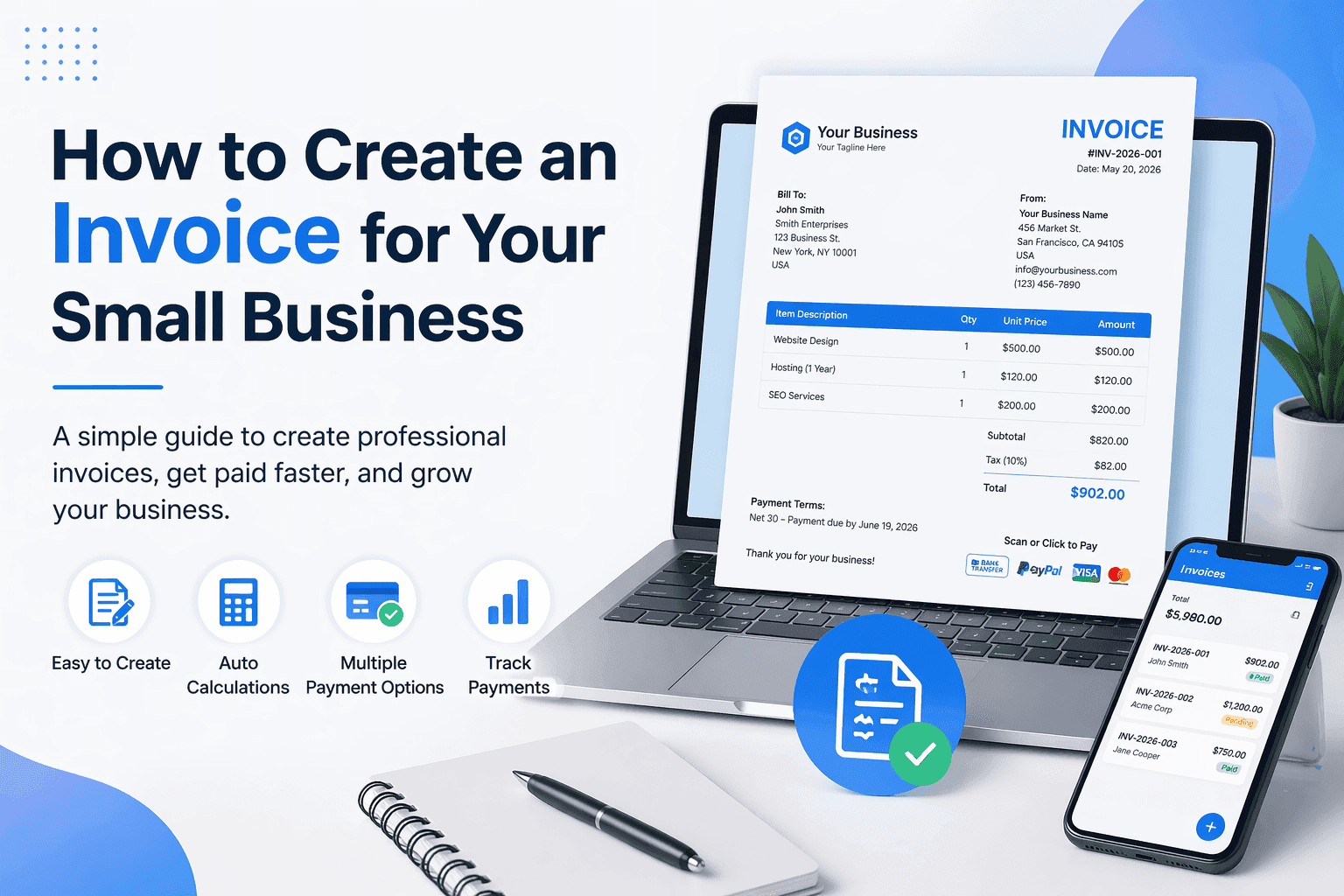
1. Add Your Business Information
Your invoice should clearly display your business name, logo, contact details, and address. This helps the client identify who you are and contact you if needed.
2. Include Client Information
Make sure to add the client's name, company name (if applicable), and billing address.
3. Assign an Invoice Number
Each invoice should have a unique number for easy tracking. This helps with organization and ensures you have an accurate record for accounting.
4. List Products or Services
Include a clear description of the products or services provided. Include:
- Quantity
- Unit price
- Total amount
5. Specify Payment Terms and Due Date
Be clear about when payment is due, whether it’s “Net 30,” “Due upon receipt,” or another term. Providing clear payment terms helps avoid confusion.
Why Use an Invoice Maker App?
Creating invoices manually can be time-consuming and error-prone. Invoice maker apps like Invoice Billing make invoicing much easier.
Benefits of Using an Invoice Maker App:
- Fast creation: Create invoices in seconds with pre-built templates.
- Professional templates: Choose from professional invoice designs that fit your business branding.
- Automatic calculations: No more mistakes in math—everything is calculated automatically.
- Track payments: Monitor the status of payments to ensure you get paid on time.
- Multiple payment options: Easily add payment methods like bank transfer, PayPal, or credit card.
- Custom branding: Add your logo, signature, and even a custom stamp to each invoice.
Mistakes to Avoid When Creating Invoices
Even though creating invoices is simple, small mistakes can lead to payment delays. Here are a few common errors to avoid:
1. Missing Invoice Number
Every invoice should have a unique number. Without it, your clients may be confused or misplace it.
2. No Clear Payment Terms
Always include a due date and payment terms to avoid confusion.
3. Vague Descriptions of Services
Clearly explain what you’re charging for so there’s no misunderstanding.
How to Speed Up Your Payment Process
The faster you send invoices, the faster you’ll get paid. Here are a few tips to ensure quick payments:
✔ Send invoices promptly – As soon as the work is completed, send the invoice.
✔ Use payment links – If you can, include a direct payment link in the invoice.
✔ Set clear due dates – Include specific dates for when the payment is due.
✔ Offer multiple payment methods – The easier you make it for clients to pay, the quicker you’ll get paid.
Final Thoughts
Invoices are a vital part of business operations, and getting them right will make a big difference in your cash flow.
With an invoice maker app, you can streamline your invoicing process, reduce errors, and focus on what you do best—growing your business.
👉 Try Invoice Billing today and create professional invoices in just a few clicks.