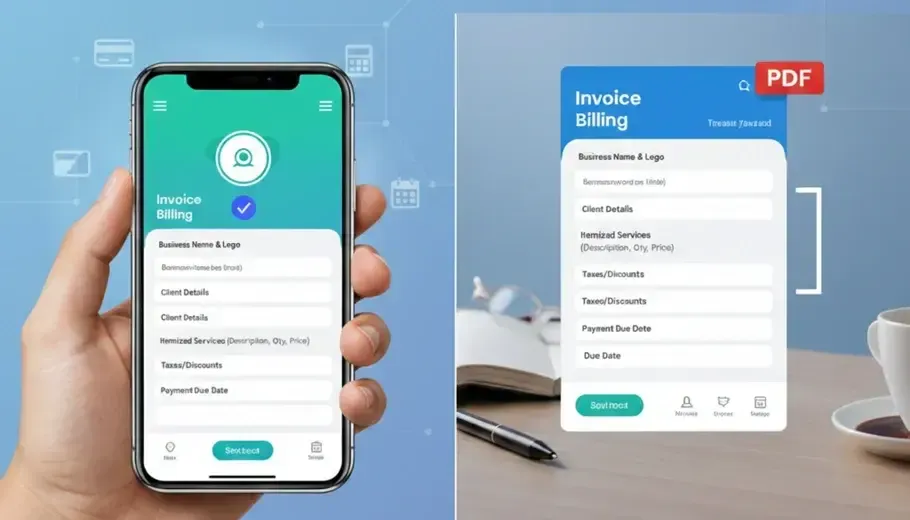
Introduction
Creating professional invoices is essential for getting paid on time and building trust with clients. Whether you’re a freelancer, small business owner, or contractor, a well-structured invoice makes a strong impression.
In this guide, we’ll show you how to create a professional invoice in just a few minutes.
Step 1: Add Your Business Information
Start by including:
Business name
Address
Contact details
Logo (for branding)
Adding your logo makes your invoice look more professional and trustworthy.
Step 2: Enter Client Details
Include:
Client name
Email or phone
Billing address
Clear client information avoids confusion and payment delays.
Step 3: Add Itemized Services or Products
List each service or product separately:
Description
Quantity
Unit price
Total amount
This transparency builds client trust.
Step 4: Add Taxes and Discounts
If applicable, include:
VAT or sales tax
Discounts
Additional charges
This ensures accurate and professional billing.
Step 5: Set Payment Terms
Include:
Due date
Payment method
Invoice number
Clear payment terms help you get paid faster.
Step 6: Export as PDF and Send
Always send invoices in PDF format to maintain professionalism and avoid formatting issues.
Why Use an Invoice Maker App?
Manually creating invoices can be time-consuming. An invoice maker app helps you:
✔ Create invoices instantly
✔ Add your logo, signature, and stamp
✔ Track payment status in real time
✔ Generate PDF invoices
✔ Create and send estimates
Final Thoughts
Professional invoicing doesn’t have to be complicated. With the right tools, you can create, customize, and send invoices in minutes.
👉 Try Invoice Billing today and simplify your business payments.