Introduction
Creating professional invoices is essential for freelancers, small businesses, and service providers. A clear and well-structured invoice ensures that clients understand the charges and helps businesses get paid faster.
Instead of manually creating invoices in spreadsheets, many professionals now use an invoice maker app to simplify the process.
Apps like Invoice Billing allow you to generate invoices, track payments, and manage estimates quickly and efficiently.
What Is an Invoice Maker App?
An invoice maker app is a tool that helps businesses create professional invoices and estimates directly from their mobile device.
These apps automate the billing process and remove the need for manual calculations or complicated templates.
Typical features include:
• Professional invoice templates
• Automatic invoice numbers
• Payment tracking
• PDF invoice export
• Client management
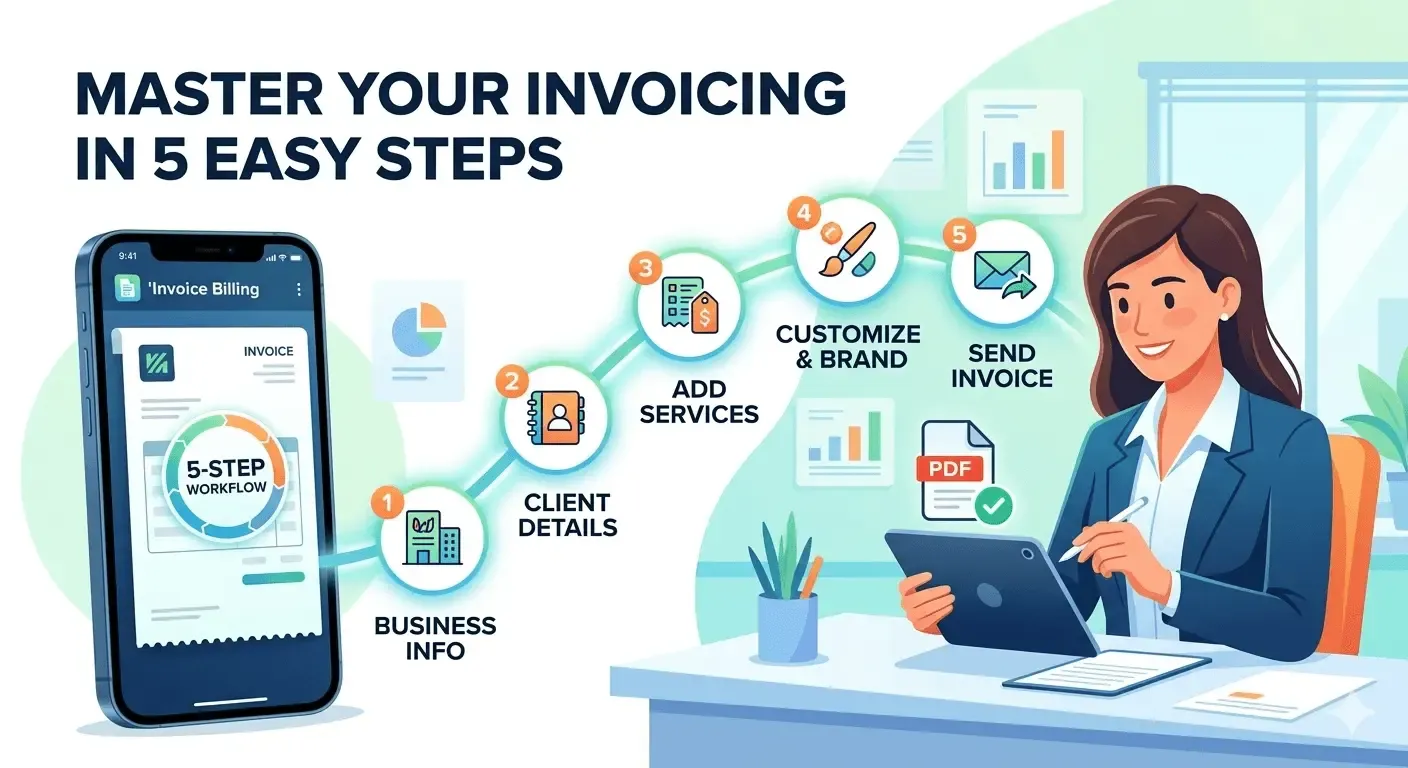
How to Create an Invoice in 5 Simple Steps
1. Add Your Business Information
Start by entering your business details such as:
• Business name
• Contact information
• Company logo
This makes your invoice look professional and trustworthy.
2. Enter Client Details
Add the client’s information including:
• Client name
• Email address
• Billing address
Clear client details help avoid confusion and ensure accurate billing.
3. Add Products or Services
List each service or product provided.
Include:
• Description
• Quantity
• Price per item
• Total amount
This helps clients understand exactly what they are paying for.
4. Customize the Invoice
With modern invoice apps, you can customize the invoice by adding:
• Logo
• Signature
• Stamp
• Professional template style
This gives your invoices a professional brand identity.
5. Send the Invoice
Once everything is ready, export the invoice as a PDF and send it directly to the client.
Many apps also allow you to track the payment status.
Why Businesses Use Invoice Maker Apps
Using an invoice generator app offers many benefits:
✔ Faster invoice creation
✔ Professional templates
✔ Automatic calculations
✔ Easy payment tracking
✔ Organized financial records
For freelancers and small businesses, these tools save time and improve cash flow.
Final Thoughts
Professional invoicing is an important part of running a successful business. Using a dedicated invoice maker app allows you to create invoices quickly, maintain accurate records, and get paid faster.
If you're looking for a simple and efficient solution, Invoice Billing makes it easy to generate professional invoices and manage your billing process.
👉 Start creating invoices in seconds with Invoice Billing.